
Free YouTube Transcript Downloader

YouTube Transcript Downloader

Paste a link and download the transcript as a file that lives on your machine, wording and timestamps included, so the source stays yours to keep.

  • Keep the text in your own workspace
  • Timestamps preserved in the saved file
  • Survives a video being made private or removed
  • Ready to annotate, quote, or archive
Download a transcript

Why Saving the Text Matters

A transcript you can only read on someone else's page is not a record you own.

Reading a transcript once is useful. Keeping it is what makes it source material. A saved file goes into your own notes, gets annotated, gets searched alongside everything else you have collected, and stays available when the video it came from does not. Videos get deleted, made private, or region-locked, and a link that worked last year often does not work now. Downloading the text at the moment you need it is how a research trail or a course archive stays complete instead of depending on the platform.

What You Get When You Download

The output is designed to be stored and searched by you, not read once and abandoned.

Save the whole transcript as a file

The full spoken content is written out and can be downloaded, so it lives in your own storage rather than only on a page you have to find again.

Keep the timestamps inside the file

Each line keeps its position in the video, which is what makes the saved text citable later. Without the times, a quotation loses half its usefulness.

Take a passage instead of everything

When only part of the video matters, the lines you need can be copied on their own into a document, a slide, or a set of notes without dragging the rest along.

Arrive as plain text you can work with

The file opens in any editor and fits into note apps, research tools, and document systems. Nothing about it is locked to a single application.

Use the caption track a person wrote

Where a video has human-written captions, those are preferred over machine-generated ones, because a person already fixed the names and technical terms.

Keep both a local copy and a saved one

Transcripts stay in your history as well as on your machine. The local file is yours to edit freely, and the account copy is there when you are on another device.

YouTube Transcript Downloader

YouTube Transcript Downloader

@transcript-download

What the Downloaded File Contains

The file holds the spoken content in order, with the timestamp attached to each line, so the text remains a map of the video rather than a plain block of writing. Keeping the timings matters more than people expect: months later, the value of a line is often that you can say where it came from. The file arrives as plain text, which means it opens in any editor, fits into note systems and research vaults, and can be searched by your own tools rather than only by the platform that hosted the video.
Download the transcript
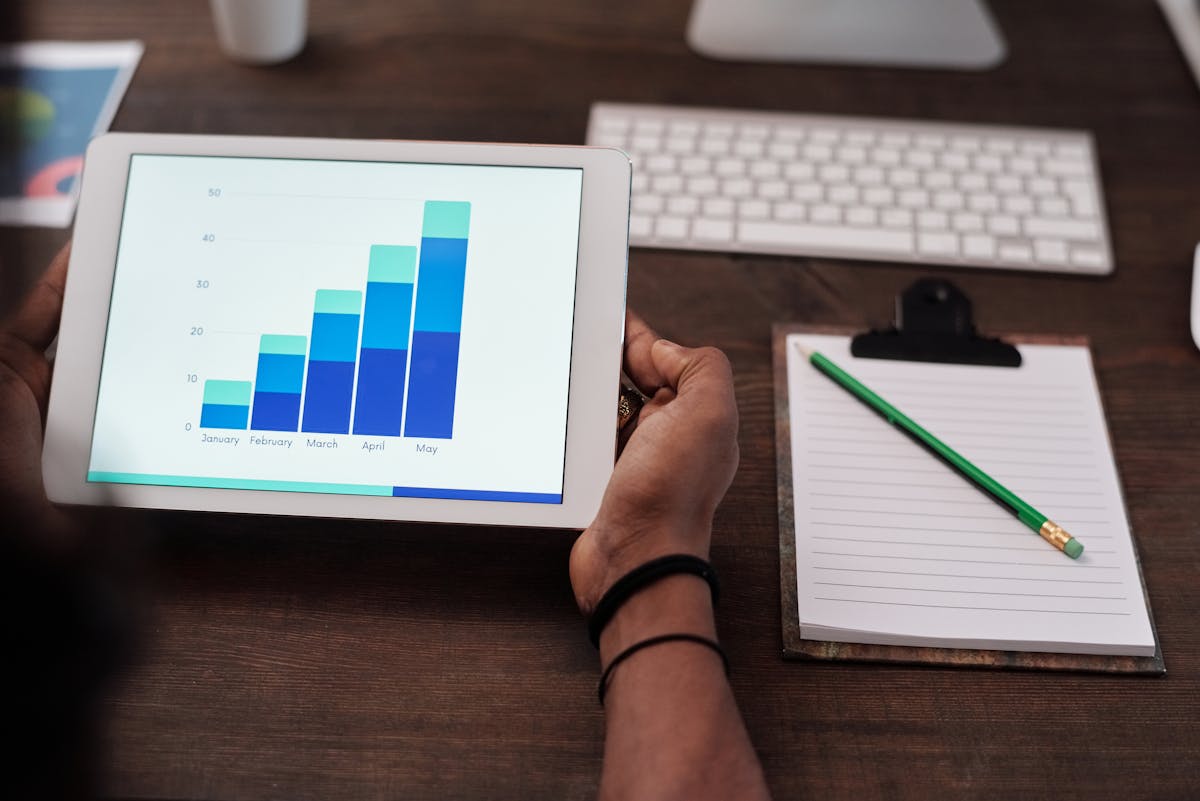

A downloaded transcript file with timestamps
YouTube Transcript Downloader

YouTube Transcript Downloader

@transcript-download

Where the Text Comes From and Where It Goes

The speech is read from the video, in whatever language it is spoken in, with the written language set by you; where a video carries human-written captions, that version is preferred over an automatic one. Links in any of the usual forms are accepted, so a share link copied on a phone works the same as a watch address copied on a desktop. Every generated transcript stays in your history as well, which means the copy on your machine and the copy in your account cover each other: one is yours to edit freely, the other is there when you are working from a different device.
Download the transcript
A transcript file saved into a personal archive
YouTube Transcript Downloader

YouTube Transcript Downloader

@transcript-download

Sources That Disappear

A video cited in a report can be unlisted the following month, and a talk that supported an argument can vanish without notice. Nobody expects that when they first watch it. Downloading the transcript when you use it means the evidence in your document still exists in your own files, and a claim made from that source can still be checked by you even if nobody else can open the video.
Download the transcript

A source kept after the video is removed
YouTube Transcript Downloader

YouTube Transcript Downloader

@transcript-download

A Course Worth Keeping Together

A lecture series is easier to study when the transcripts sit in one folder in the right order, and easier still when they can be searched as a group. Downloading each one as the course runs produces a personal text version of the whole series, which is how revision works: search across every session for a term rather than remembering which week it came up in.
Download the transcript
A lecture series kept as a folder of transcripts
YouTube Transcript Downloader

YouTube Transcript Downloader

@transcript-download

Working Where There Is No Connection

Flights, field work, and commutes are where reading often actually happens, and they are the places a browser tab is least useful. A file on the device is available regardless. That also covers the practical case of a video that streams slowly or is blocked on a hotel network: the words are already with you, so the work does not wait for the connection.
Download the transcript
Reading a saved transcript without a connection
YouTube Transcript Downloader

YouTube Transcript Downloader

@transcript-download

Attribution Travels in Both Directions

Once a transcript is a file, it is also detached from its context, which makes crediting the source your responsibility rather than the platform's. Adding the channel name, the link, and the date to the top of the file is a few seconds of work and saves a scramble later when a quotation has to be traced. Keeping the timestamps serves the same purpose, since the exact moment a line was spoken is part of citing it properly.
Download the transcript
Source details kept at the top of a saved transcript
YouTube Transcript Downloader

YouTube Transcript Downloader

@transcript-download

Working With Text You Own

A downloaded transcript can be edited, merged, and reorganised in ways a page in a browser cannot. Two talks on the same subject can be combined into one document, a marked-up version can be circulated for comment, and a folder can be reshaped as a project changes direction. That is the practical difference between reading source material and holding it. The working copy also survives a change of tool, a change of account, or a platform quietly retiring a feature it used to offer.
Download the transcript
Saved transcripts merged and annotated in a project folder

Downloading a Transcript

Four steps from a link to a file in your own folder.

Step 1

Paste the URL of the video

Any of the usual link forms works, including the short share link copied from a phone. The video's details load once the link resolves.

Step 2

Generate the transcript

The speech is read and returned as lines with timings, ready to be saved or trimmed down.

Step 3

Trim it if you need to

Copy the passages that matter when the full transcript is more than the job requires, keeping the timestamps with the lines you take.

Step 4

Save it where your work lives

Download the file and add the source details at the top. The video also stays in your history for a second look.

People Who Keep Records

Downloading is less about convenience and more about not depending on anyone else's server.

AP

Aleksei Petrov

Investigative Researcher

The video went private three months after I cited it. My transcript is still in the folder.

NC

Naomi Clarke

Postgraduate Student

Every lecture goes into one folder, so revision is a search rather than a rewatch.

DF

Diego Ferrer

Technical Writer

Saving the provenance at the top of each file means a quotation never loses its source.

Downloading and Keeping It

The practical questions about turning a video's text into a file you own.

Download a YouTube transcript

Paste the link and take the text with you, timestamps included, as a file that stays in your own workspace.

Download the transcript
Once It Is Yours

A downloaded transcript is detached from the video it came from.

Automatic transcription introduces errors in names and figures, and once the text is a file, nothing on the page reminds you where it came from. Check the video before quoting, record the source in the file, and credit the creator when the material is reused.